Affiliate validation
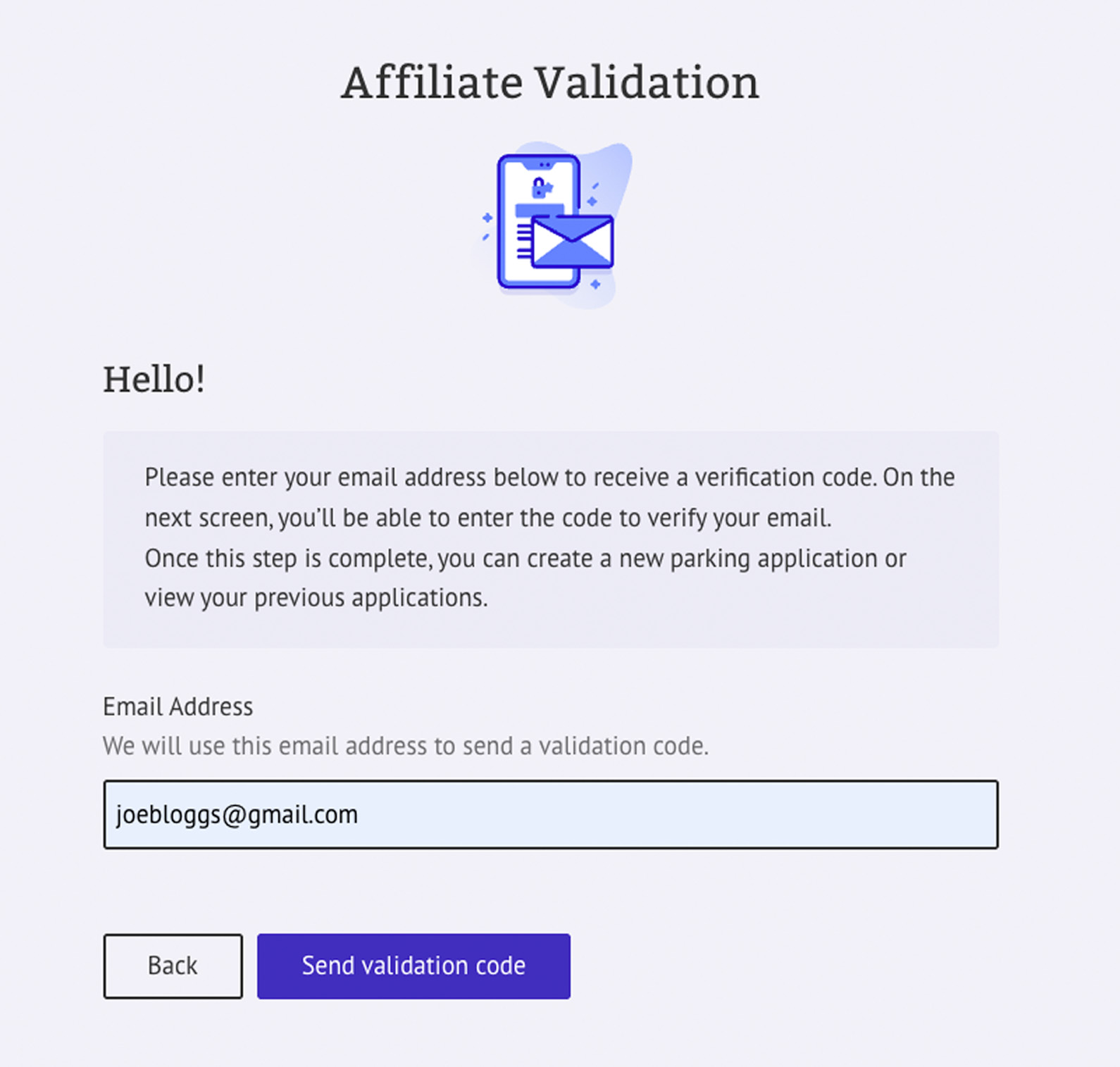
On this screen, enter your email address to receive a unique validation code, then click the 'Send validation code' button. You'll receive an email containing a six-digit code to enter on the next screen.


Affiliate Guide
On this screen, enter your email address to receive a unique validation code, then click the 'Send validation code' button. You'll receive an email containing a six-digit code to enter on the next screen.
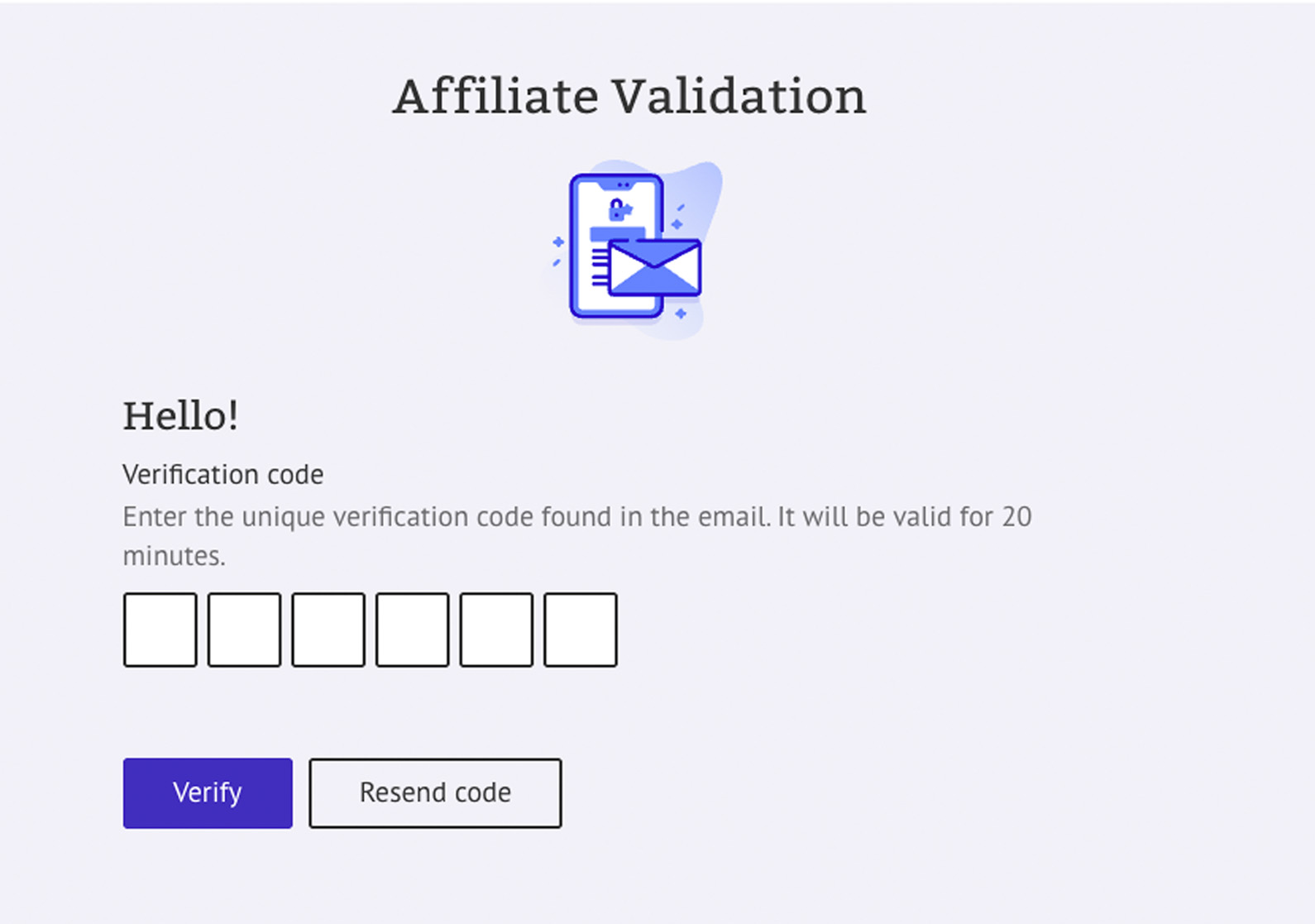
Paste the six-digit code from your email into the field on this page, then click 'Verify'.
If you entered an incorrect email address or did not receive the email, click the 'Resend code' button. This will return you to the previous screen so you can restart the process.
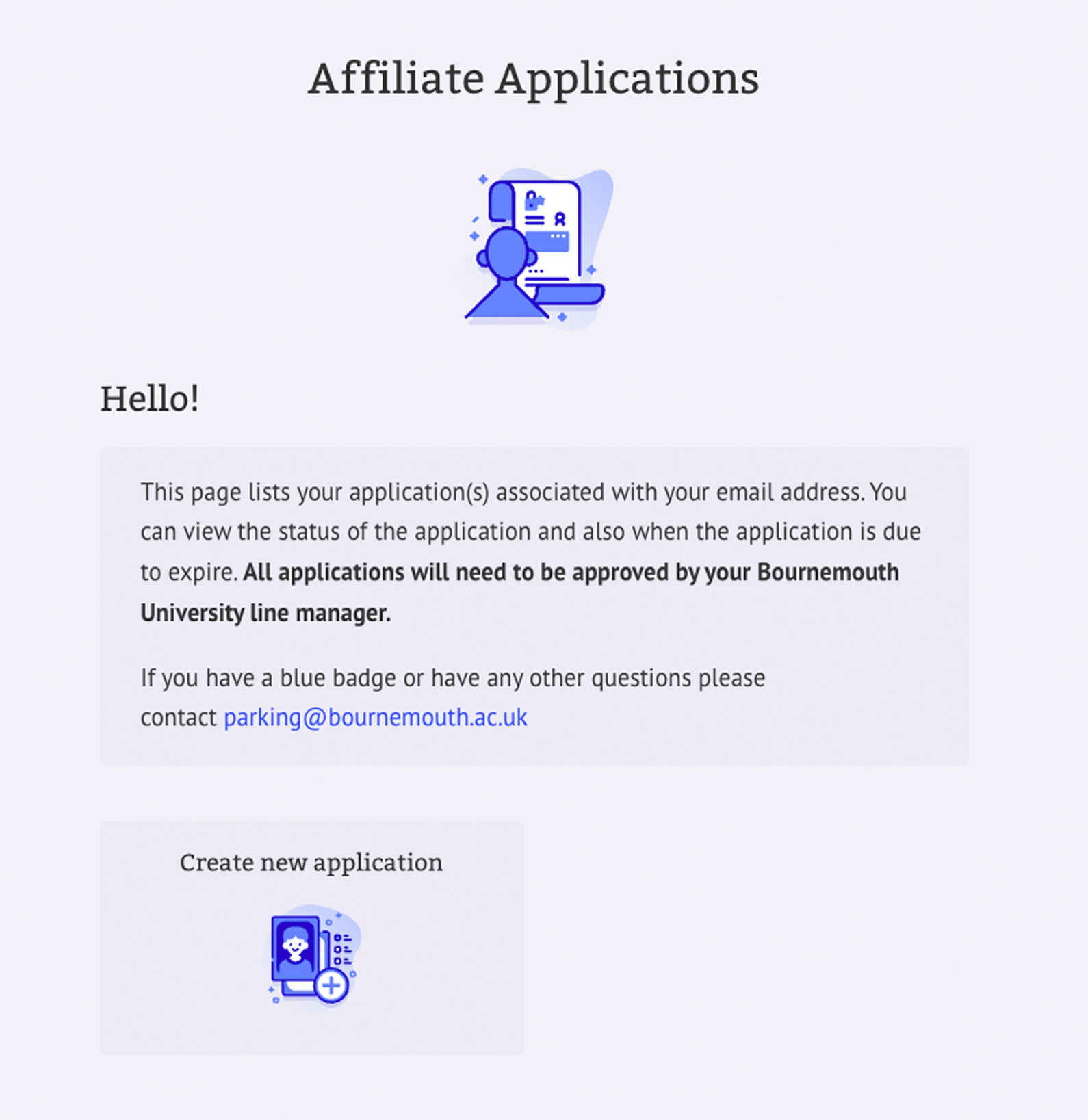
If your code has been successfully validated, you will now see the 'Affiliate Applications' page. From this screen, click the 'Create new application' button.
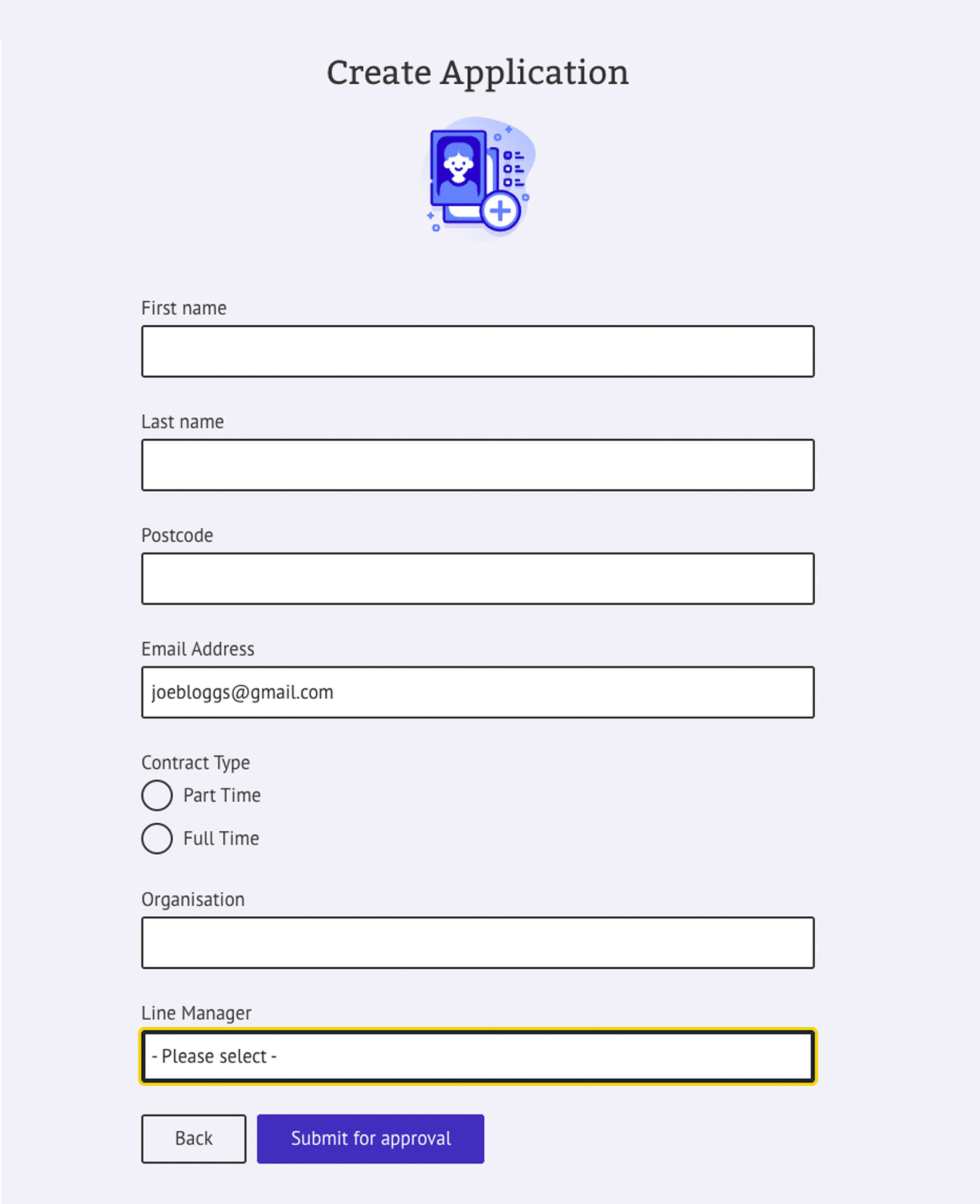
On this page, enter your details, select your Line Manager from the list, and submit the application for approval. It is important that you select the correct Contract Type to avoid delays in the approval process.
Once your Line Manager has made a decision on your application, you will receive a confirmation email with instructions to complete your parking application. Click the link in the email to return to the Affiliate Applications screen.
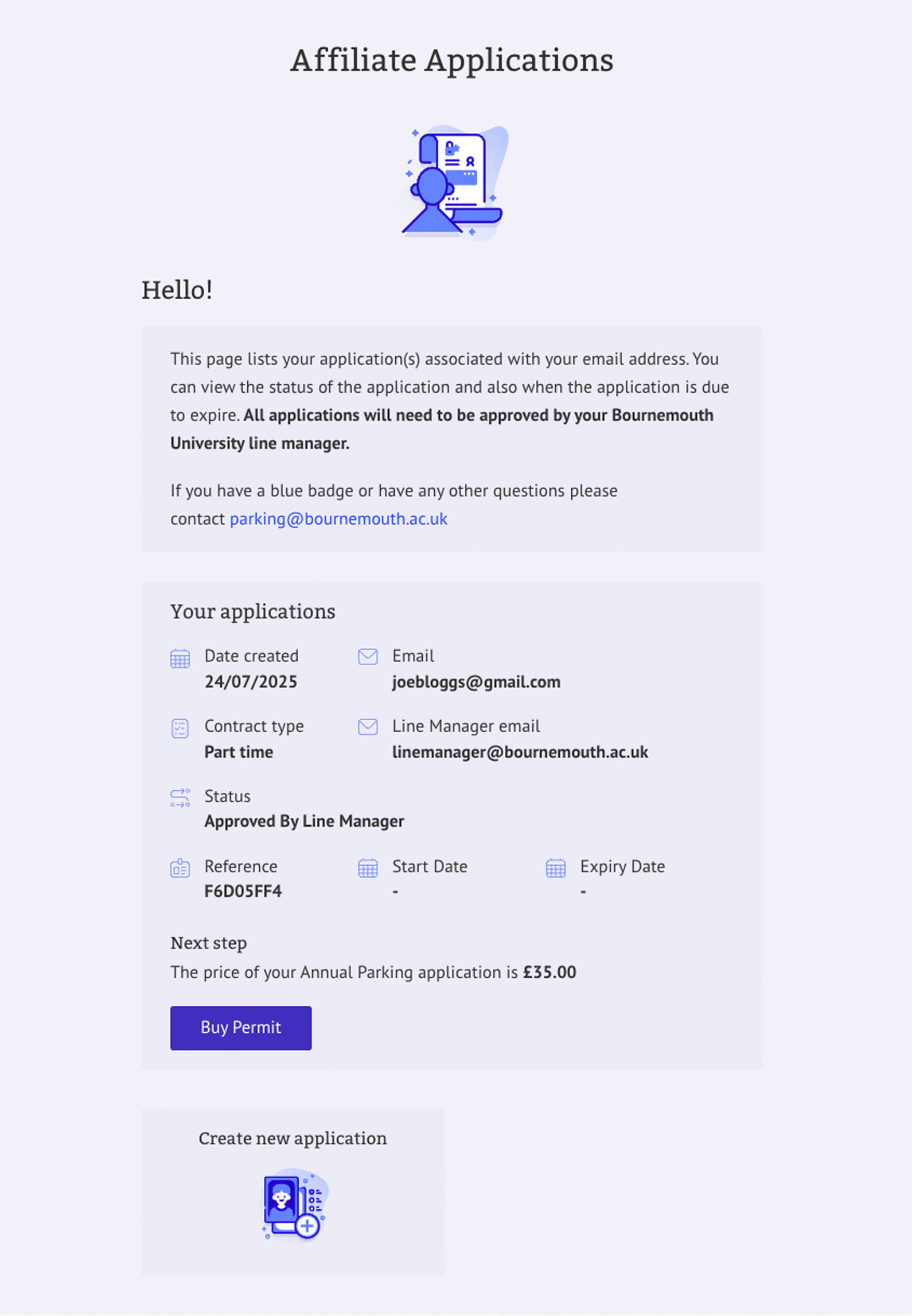
If your application has been approved by your Line Manager, you will see an option to 'Buy permit' on this screen.
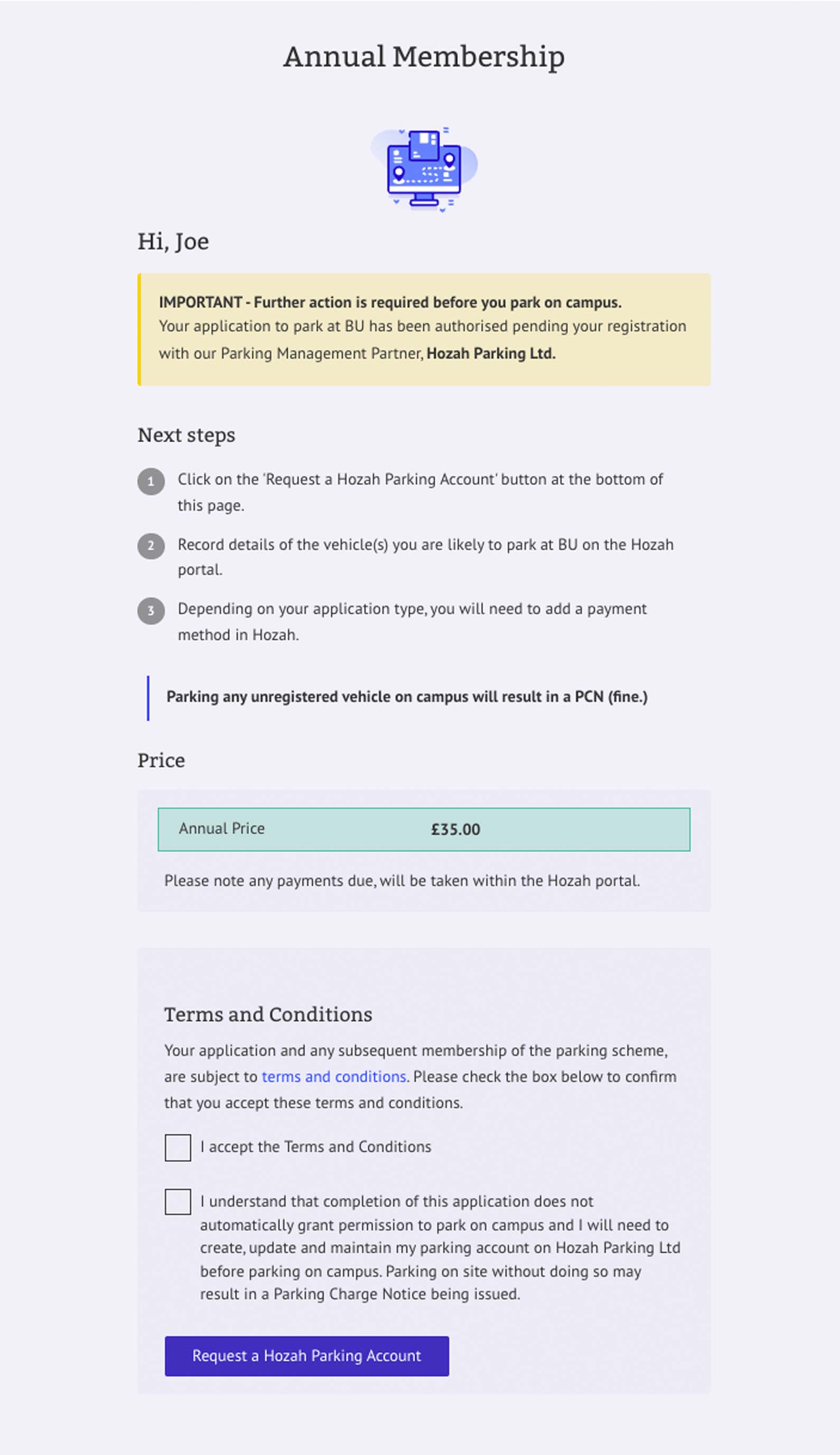
Clicking the 'Buy permit' button will take you to the next screen, where you'll be briefed on the next steps. Please read this information carefully.
If you agree to the Terms & Conditions, tick all the checkboxes and click the 'Request a Hozah Parking Account' button.
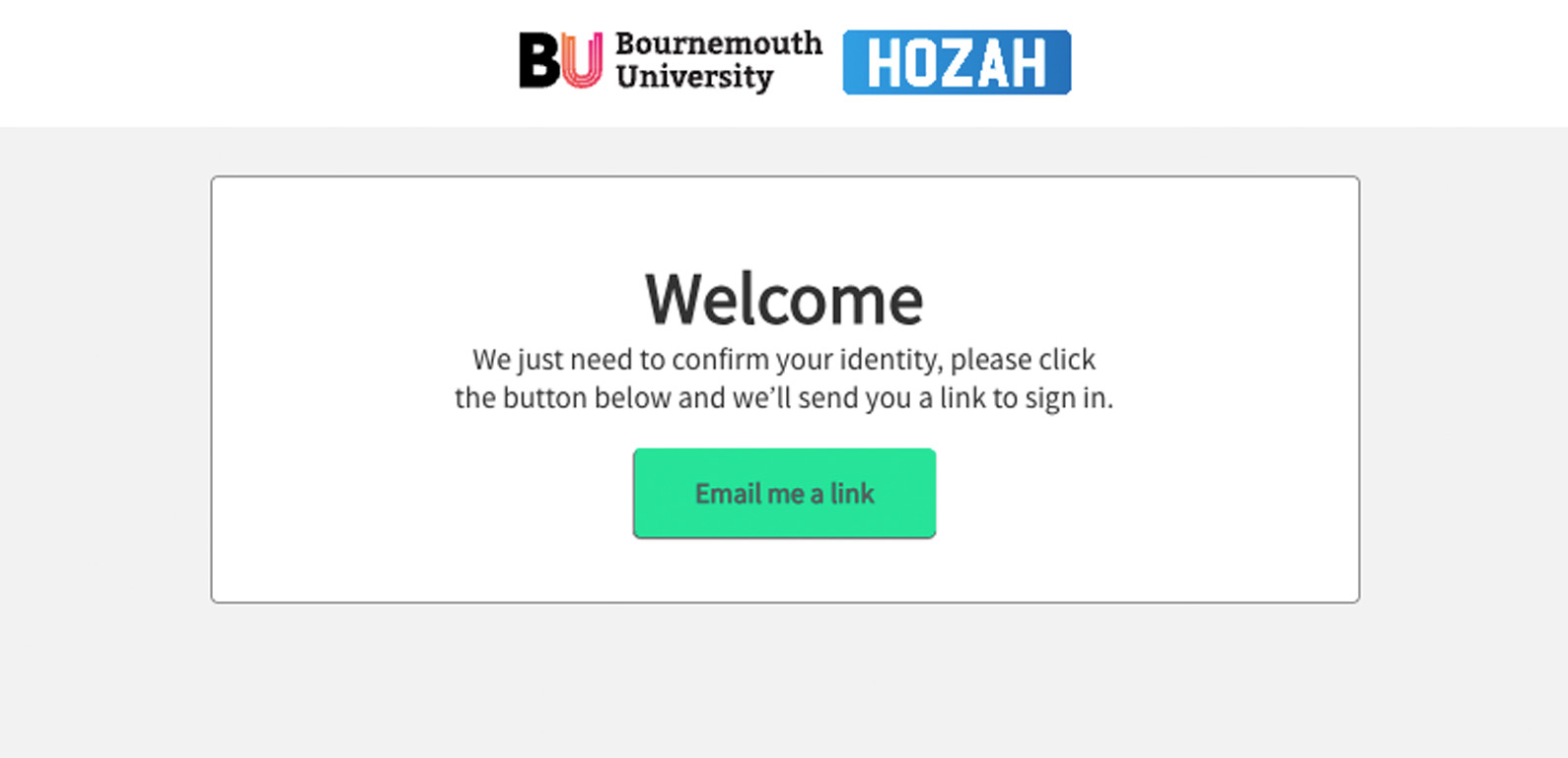
Hozah is our Parking Management Partner. You will see a button labelled 'Email me a link', which will send a unique link to the email address you registered in the previous step.
You should now have received an email from Hozah with a link to register your vehicle details.
You can register up to two vehicles. Ensure that you enter the vehicle registration number(s) correctly on this screen.
You must also include your payment details on the same page and click the ‘Pay’ button at the bottom, which will process your payment and confirm your registration status.
If your payment is successful, you will receive a confirmation email from Hozah. You may now park the registered vehicles in our Talbot and Lansdowne car parks.
